⌘
01
Hold Command
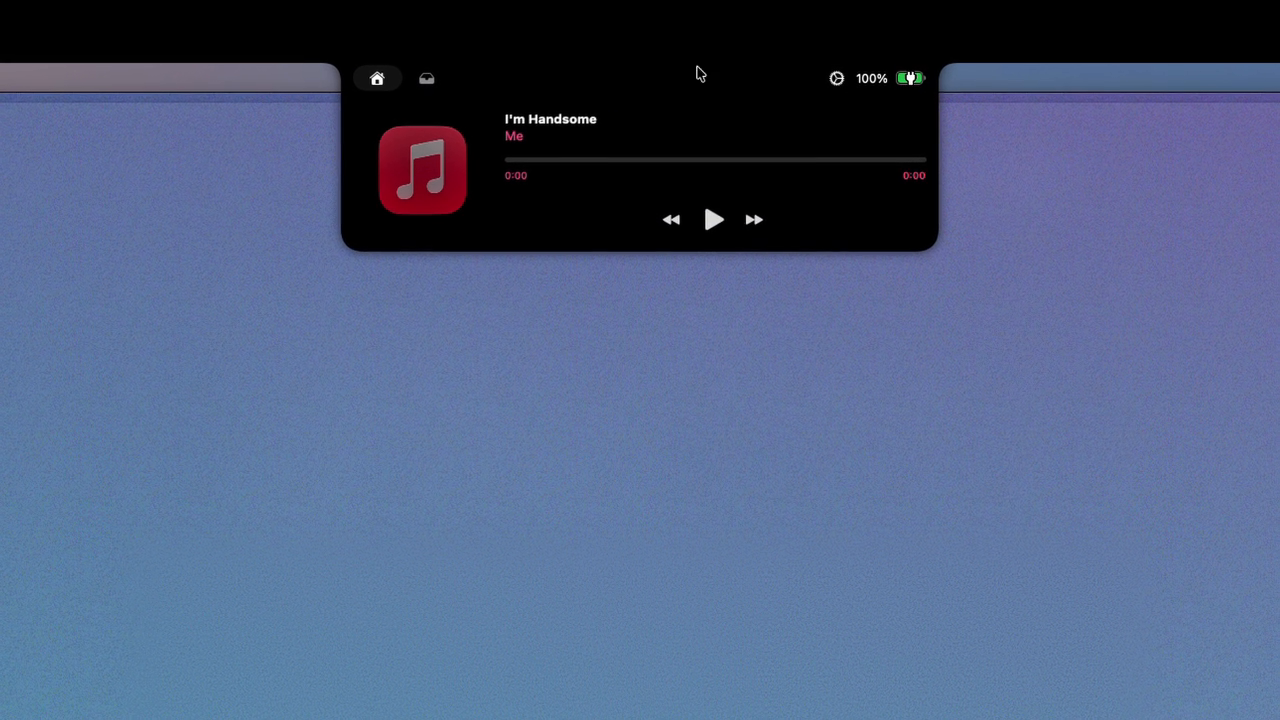
Expand your notch, place your cursor over it,
and hold the Command key.
NotchSwitcher for Mac
The notch you want, for the moment you’re in.
Hold Command. Scroll sideways. Release.
Free to download / Switching is a ¥500 one-time in-app purchase, no subscription
01 / THE IDEA
You don’t have to choose just one.
Different notch apps have different things to offer.
NotchSwitcher brings the choice to one familiar place.
Keep the apps
you love.
02 / ONE GESTURE
Keep holding Command to explore your options.
Release it to switch to the app you’ve chosen.
Expand your notch, place your cursor over it,
and hold the Command key.
Browse by icon, name and preview.
Scroll sideways to choose an app.
Release Command to confirm.
NotchSwitcher switches to your chosen app.
Previews are captured and saved still images. Switching normally quits the previous app before launching the next one.
 THE NEXT NOTCH
03 / FEELS FAMILIAR
Add the notch apps you want to use.
No special modifications to those apps are required.
Select an app installed on your Mac.
Choose the modifier-key combination that opens the switcher.
Press Escape to return without switching.
04 / GOOD TO KNOW
No. Install your preferred notch apps separately, then add them to NotchSwitcher.
NotchSwitcher uses Accessibility permission to identify targets and handle input, and Screen Recording permission to capture previews. It does not record audio.
You can add valid local apps, but registration does not guarantee compatibility with notch interactions. Compatibility is not guaranteed for every app or version.
NotchSwitcher requests a normal quit, waits for the app to close, then launches the next app. Music, notifications and other activity in the previous app also stop. Launch time and state restoration depend on each app.
No. Previews show captured and saved still images. If an image is unavailable, the switcher displays the app’s icon and name.
ONE PLACE. MORE POSSIBILITIES.
Free to download. Switching is a ¥500 one-time in-app purchase. No monthly fee.